
Do you ever find that the tool you need just doesn’t seem to exist? This happens to us at Firefinch too! Luckily, we have a fantastic team of developers that can usually build what we need for us.
Our Director Will has built an open source C# colour conversion & interpolation library. This might be useful for people that need to:
- Apply “perceptually uniform” colourmaps – you might recognise some of these as standard options in things like MATLAB.
- Colour FLIM images – these are typically just an intensity value, but if you want bright pixels to be yellow and dark ones to be blue, and to transition nicely between them this tool should help.
- Simulating various forms of colour blindness.
Unicolour is an open-source library that .NET applications can use to accurately work with colour. The colour of light is typically described in terms of coordinate systems known as colour spaces. Colour spaces range from the commonly used RGB (a cube of red, green, and blue light components) and HSB (a cylindrical transform of RGB that changes the components to hue, saturation, and brightness), to the colourimetric standards of XYZ (a model derived from empirical measurements of human vision) and xyY (a projection of XYZ that maps chromaticity – what we tend to think of when we think of colour – to a 2D plane), to the practical CMYK (a profile of which colours are generated when combining cyan, magenta, yellow, and black inks). The primary feature of Unicolour is the ability to represent a colour in 40 different spaces, and to freely convert between them. For example, if we ask it about Firefinch red #FF283C, it tells us the following coordinates:
– RGB 1.00 0.16 0.24 / 255 40 60
– HSB 354.4° 84.3% 100.0%
– XYZ 0.4282 0.2311 0.0648
– xyY 0.5913 0.3192 0.2311
– CMYK 0.0000 0.9135 0.7168 0.0000 (using Adobe’s FOGRA39 profile)
You can explore these colour spaces in this website demo (https://unicolour.wacton.xyz/colour-picker/), where you can use coordinates in any of the 40 spaces to select a colour. The library uses this core functionality to provide a lot of other useful features, such as mixing colours using interpolation, calculating the difference between colours, mapping colours into gamuts (the eye can see more colours than the standard RGB gamut), simulating colour vision deficiency or colour blindness, modelling the behaviour of mixing paints and pigments according to their absorption and scattering coefficients, etc.
It’s easy to use and thoroughly tested, so we hope that others will find it useful.
Test it here: https://github.com/waacton/Unicolour.
If you need support developing a specialist tool then maybe Firefinch can help. You can get in touch with us at contact@firefinch.io. For more content like this, follow us on LinkedIn or subscribe to our monthly newsletter using the form below.
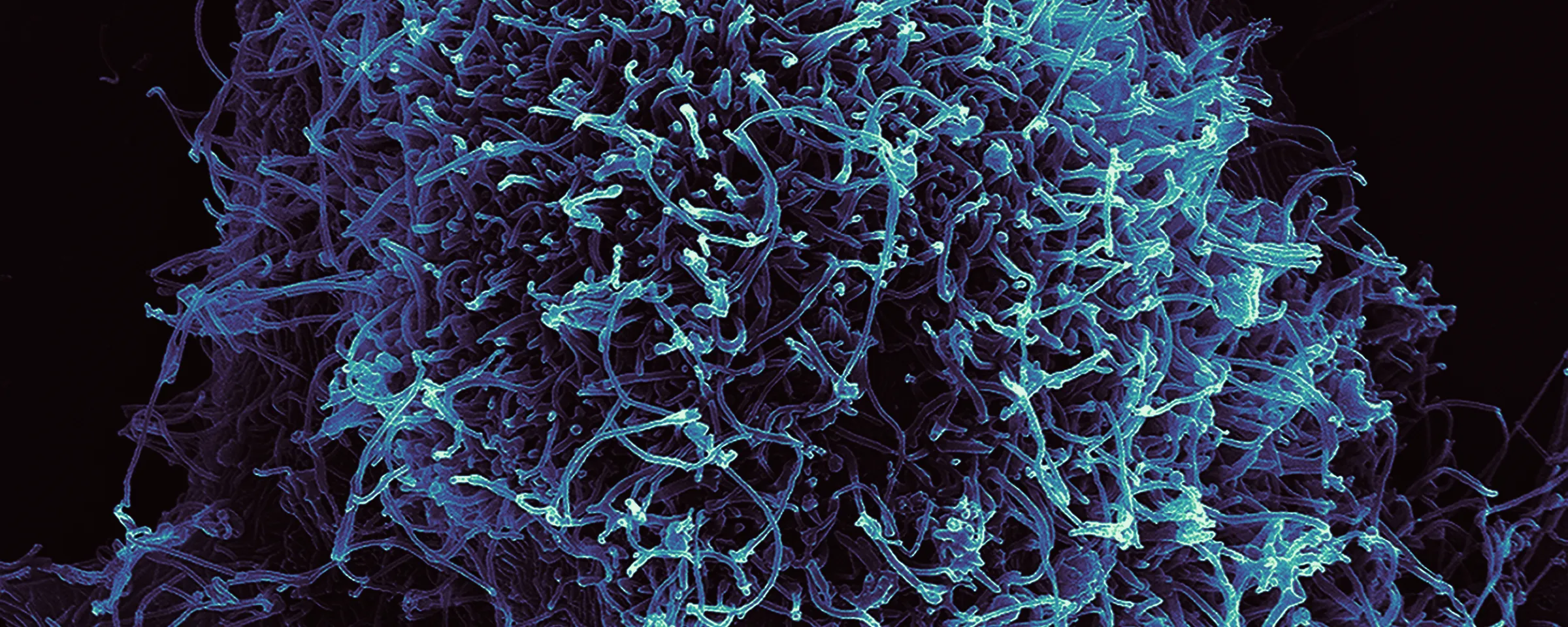
Picture credit: File:Ebola Virus Particles (6).jpg – Wikimedia Commons – recoloured using Mako filter in Unicolour tool.